TITLE
Support Workflow Redesign
COMPANY
Stride K-12
ABOUT
Stride K-12, leading educational technology provider, uses Salesforce for high-volume customer support and case management.
ROle
Context
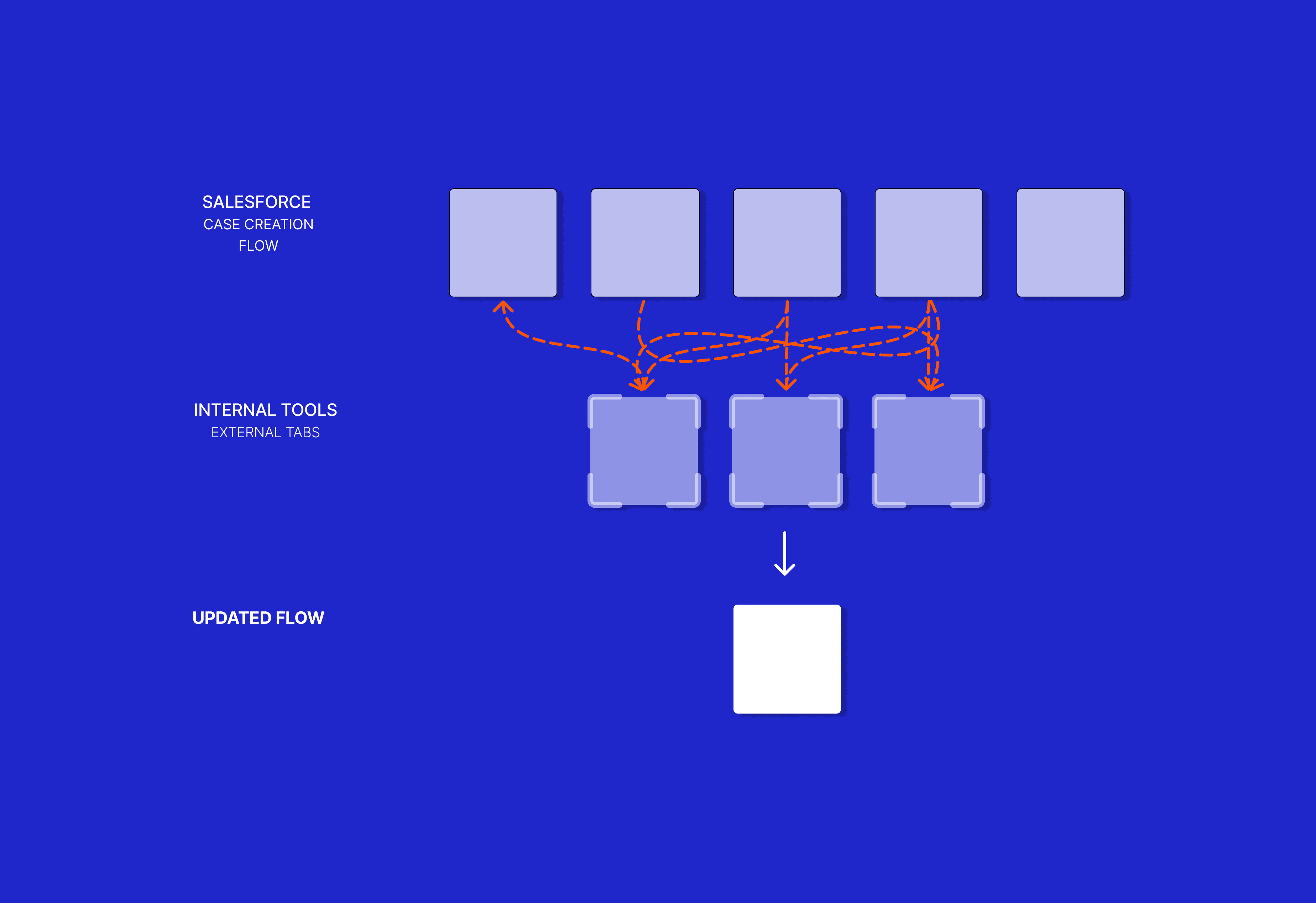
The support team has to jump through hoops just to gather context for a case. As a contractor using the system daily, I spotted significant issues with the workflow: the case creation steps do not follow the sequence of a call, the 5-screen wizard load times inflate handle times, and agents are forced into constant platform-switching (4 different platforms!).
The problem
Case creation is a game of memory. Handling live calls requires speed, but the system architecture actively works against the agent.
Wrong Order
A real call flows logically:
Greet -> Verify Caller -> Ask Issue -> Fix Issue
The system does the opposite:
Greet -> Ask Issue -> Verify Caller -> School Lookup -> Issue Source -> Fix Issue.
Too many screens
The current flow requires 5 separate page loads for every single case. While a few seconds of loading time seems minor, it becomes a major bottleneck during outages (high volume) and when assisting multi-student families (where we must log multiple cases back-to-back)
Constant tab switching
The main system doesn't have everything we need to actually solve the ticket. Agents are forced to juggle 4 tabs to gather information and solve the case while the customer waits. This constant context-switching breaks focus, interrupts the natural flow of the conversation, and adds unnecessary dead air to every call
The Solution
I prototyped a single-screen flow in Salesforce that uses the caller's Identity ID to pull all their relevant information into one place. This eliminates the lags between screen loads and manual tab-switching, significantly speeding up how fast an agent can resolve an issue.
Matching the Screen to the Conversation
I completely reorganized the UI to match the actual timeline of a live phone call. Because the screen flows naturally with the conversation, agents can log data exactly as the caller speaks, killing dead air and eliminating the need to wait for screens to load.

Ending the Tab-Switching
Instead of forcing agents to hunt for information, I designed an 'External Links' view that does the heavy lifting for them. Once a student is selected, this section instantly surfaces critical data right on the screen.
It also provides direct, clickable links to that exact student's profile in external platforms (SIS, LMS, and OMS). This completely removes the need to manually search and copy-paste IDs across four different tabs, saving agents 15–30 seconds per call.

Smarter, Automated Logic
To keep this single-screen interface clean, I stripped out redundant fields and made the form react to the user.
The contact method and phone number now automatically populate using the existing contact center integration.
"Advanced verification" level only appears on the screen if it applies to that specific type of caller.
I completely removed the manual 'School Lookup' field; the second an agent selects a student, the system automatically pulls that student's school data behind the scenes.
I also embedded the Knowledge Base directly next to the Issue Description so that relevant solutions pop up in real-time as the agent types, reducing cognitive load and speeding up triage.

THE ReSULTS
These solutions transform a disconnected series of tasks into a continuous, low-friction flow:
15–30 Seconds Reclaimed per Call: Eliminated manual tab-switching across four platforms, replacing dead air with active resolution time.
Reduced Lag Time: Consolidated the 5-screen legacy wizard into a single screen, completely removing system latency during high-volume outages.
Eliminated Manual Data Entry: Data mapping improves accuracy and less stress for the agents
Reduced Cognitive Load: Embedded the Knowledge Base directly into the flow so agents stop memorizing details.